Your first ChatGPT task: a leave email in 5 minutes
You need: ChatGPT (chatgpt.com), a phone or computer browser
The best way to start with AI is a real task. In this post we use ChatGPT to write a leave email to a manager at the office. You don’t need an account; a phone browser is enough. It takes about five minutes.
Step 1: Open ChatGPT
In your phone browser, type chatgpt.com. This page opens without logging in. You type your request in the box.
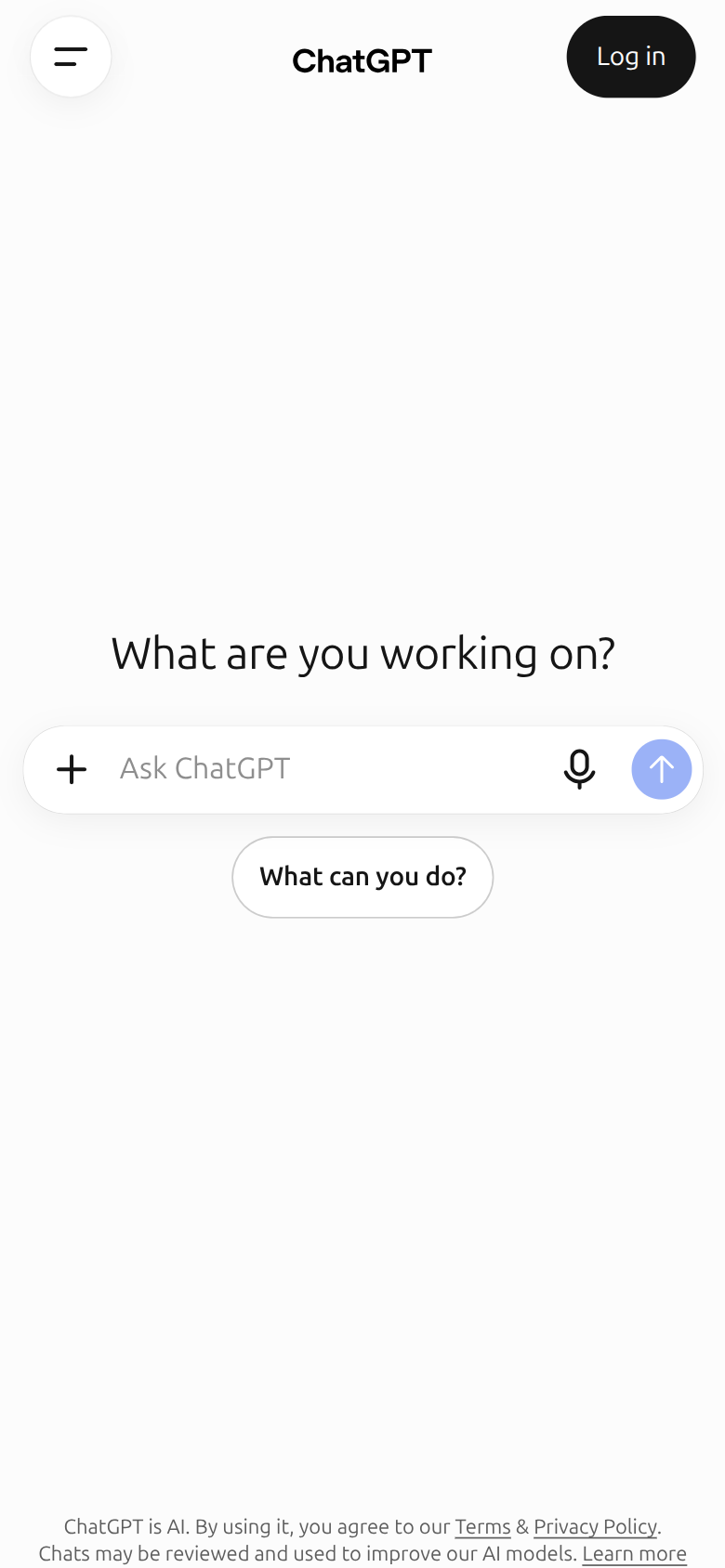
- 1You type your request here
Step 2: Fix the privacy setting first
OpenAI can use what you type in ChatGPT to improve its models. You can turn this off, even without logging in. OpenAI’s help page says that when you are signed out, this choice is saved in that browser.
Tap the menu button at the top left. The settings gear is at the very bottom of the menu.
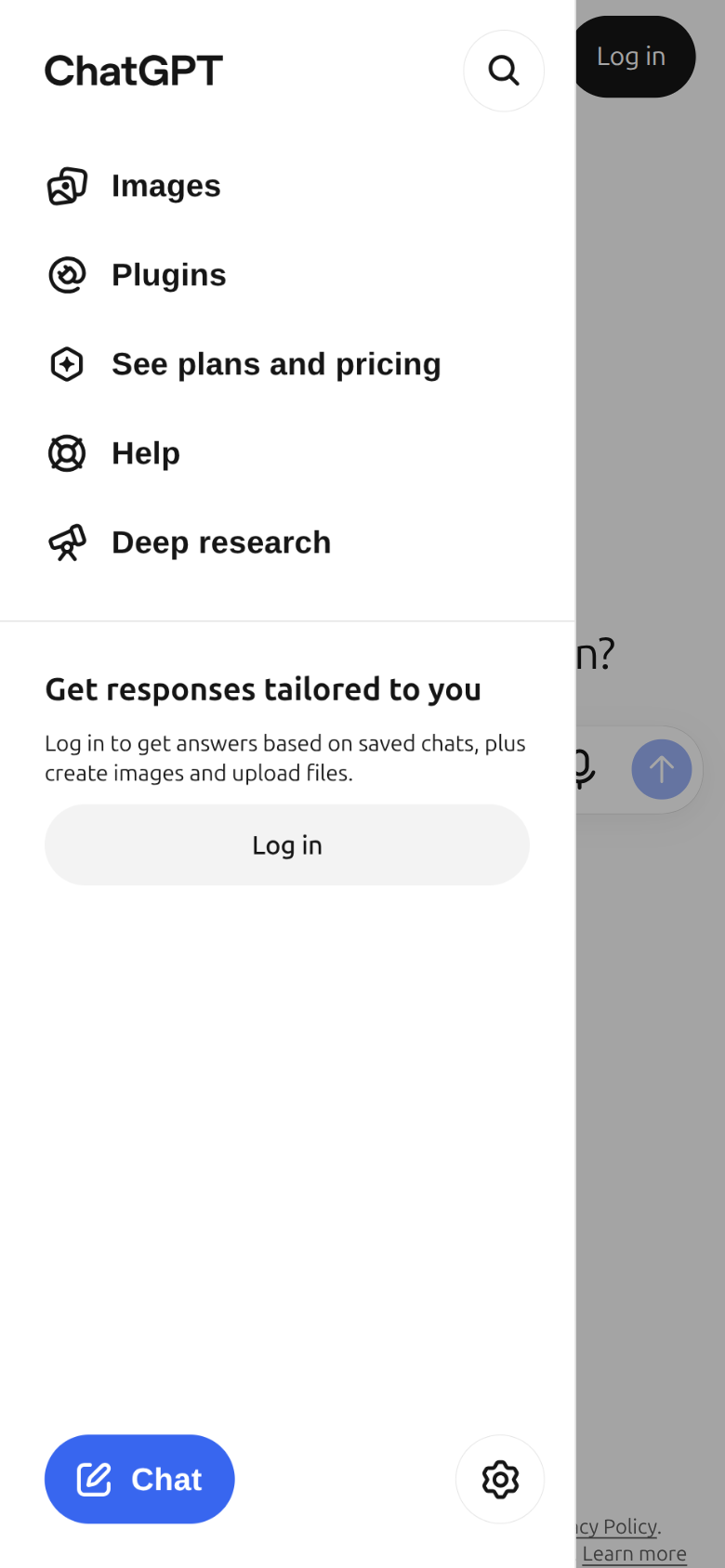
- 1Tap Settings
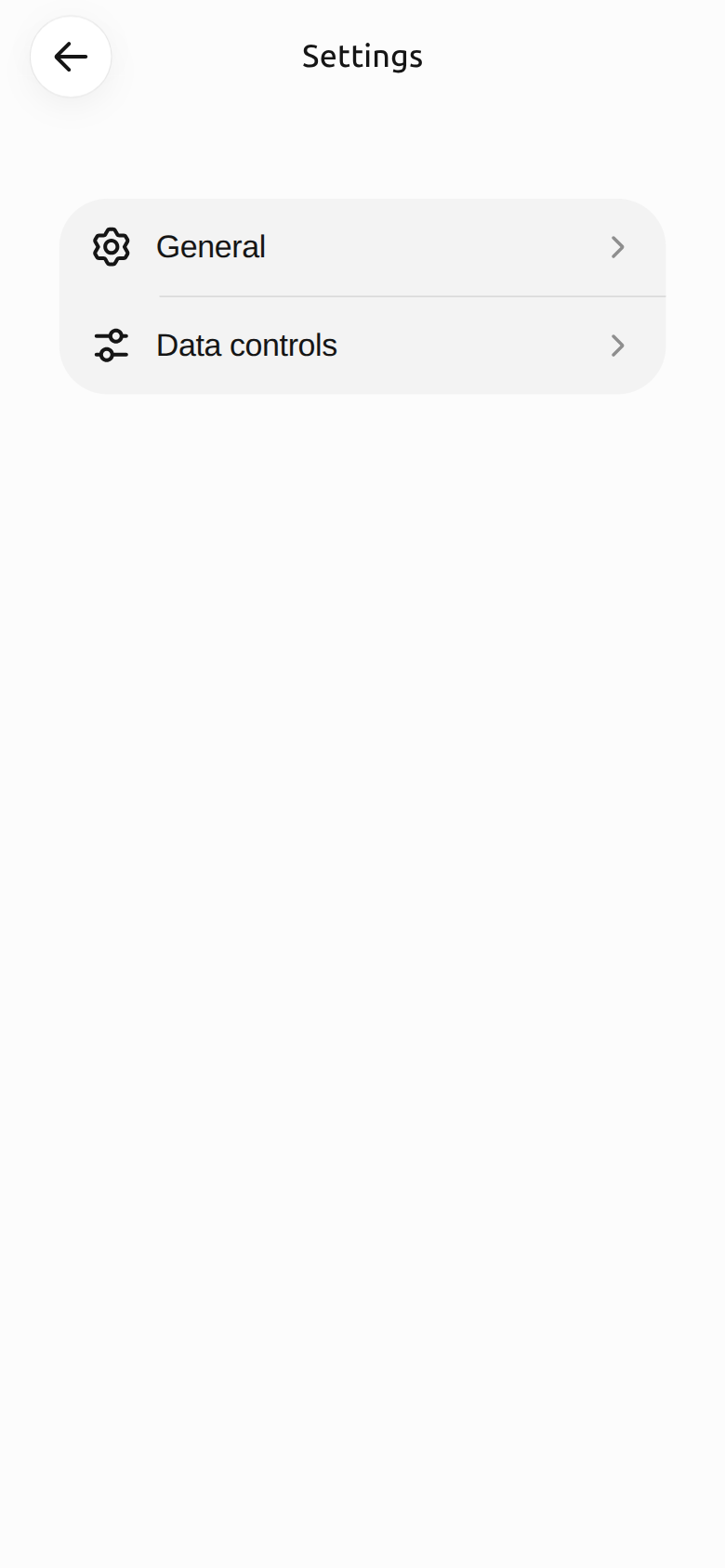
- 1Tap Data controls
The first switch here is Improve the model for everyone. Turn it off. When it is off, the switch shows white, as in the picture.
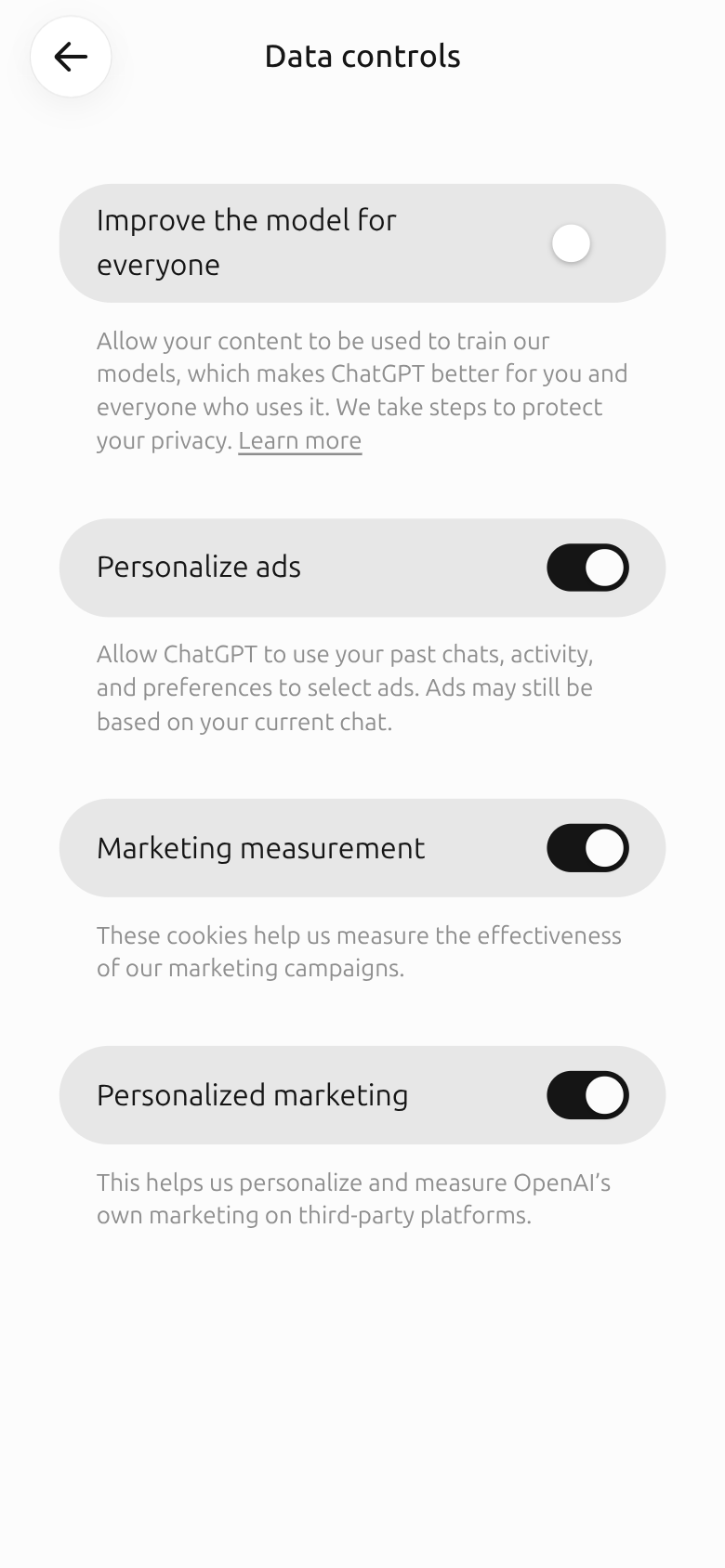
- 1Turn off Improve the model for everyone
This page also has switches for ads (Personalize ads and others). You can turn those off too if you like. Then tap the arrow at the top left to go back.
Step 3: Write the task clearly
The AI can’t read your mind. So give it five things: who you are writing to, what you want, when, why, and the tone. You can copy the text below into the box and change it to fit you:
Write a short email to my manager at the office. I want one day of leave next Thursday because of a family event. The language should be polite and formal, within five lines. Say that I will finish the work in hand by Wednesday.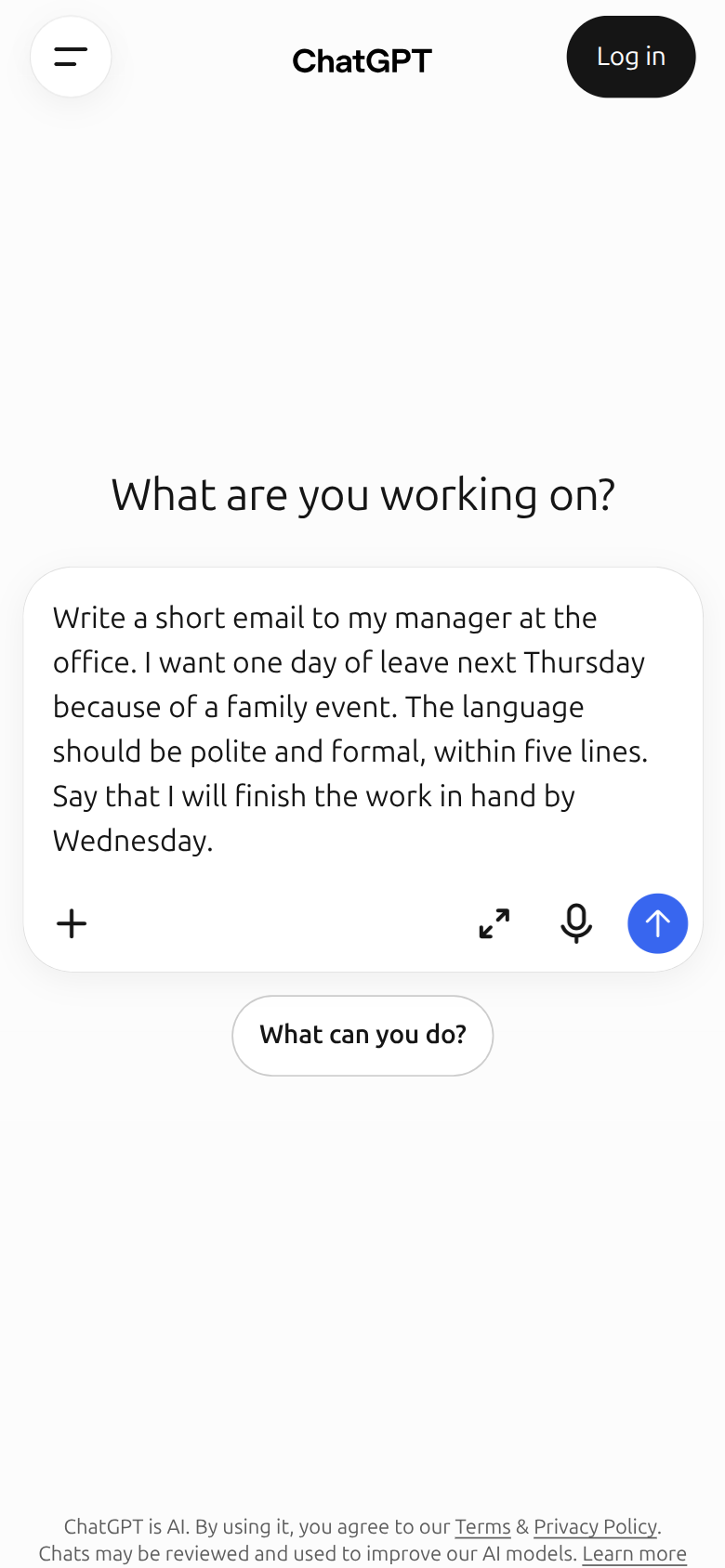
- 1Your request goes here
- 2Tap this arrow button to send
Step 4: Read the answer and fill the gaps
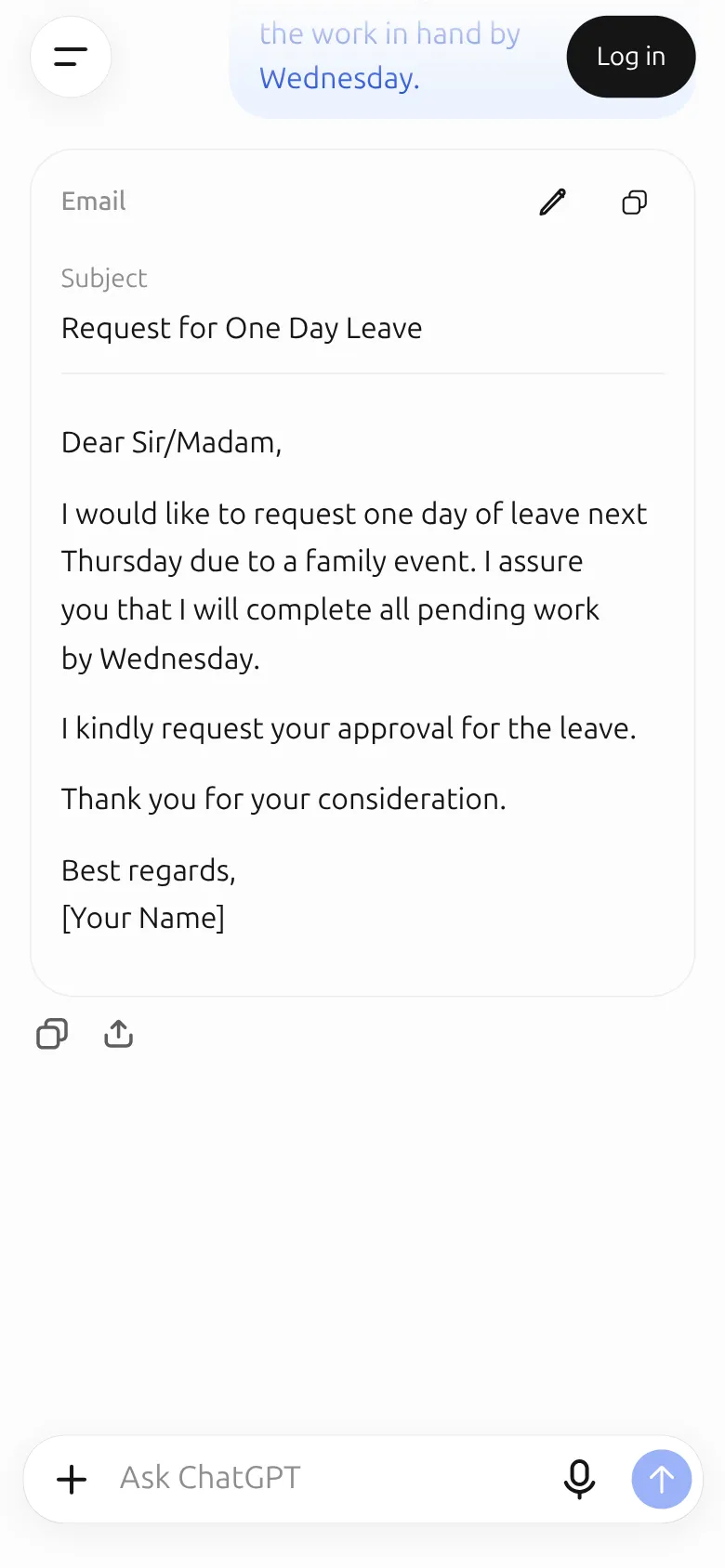
The email arrives in a few seconds, with a subject line. Notice the [Your Name] at the end. You fill in everything inside square brackets yourself. You can also replace “Dear Sir/Madam” with your manager’s name.
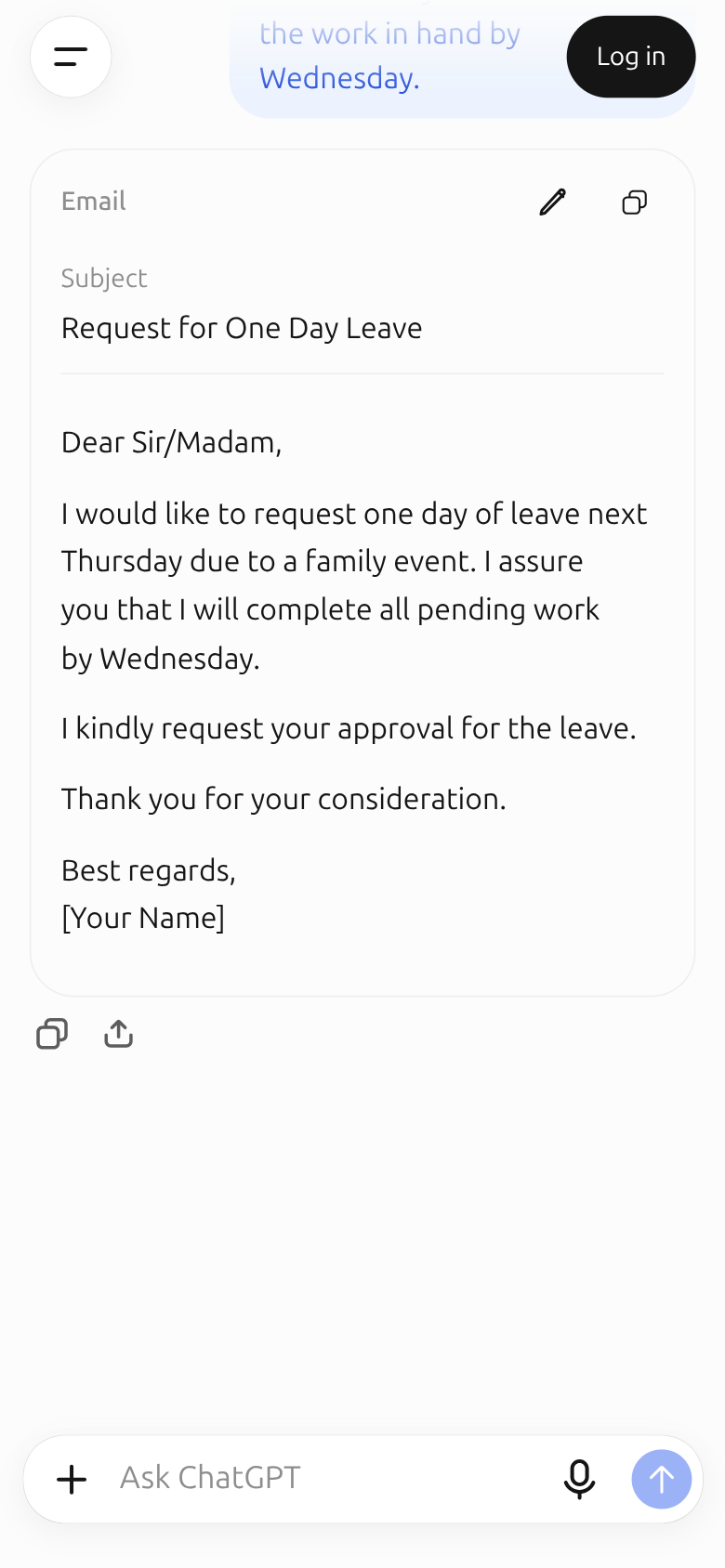
- 1The email ChatGPT wrote. Fill in [Your Name] at the end
Step 5: Ask for changes if you don’t like it
The first answer is not the last one. In the same conversation, say what you want changed. ChatGPT remembers what came before, so you don’t need to write the whole request again.
Make it a little shorter, and give me a subject line.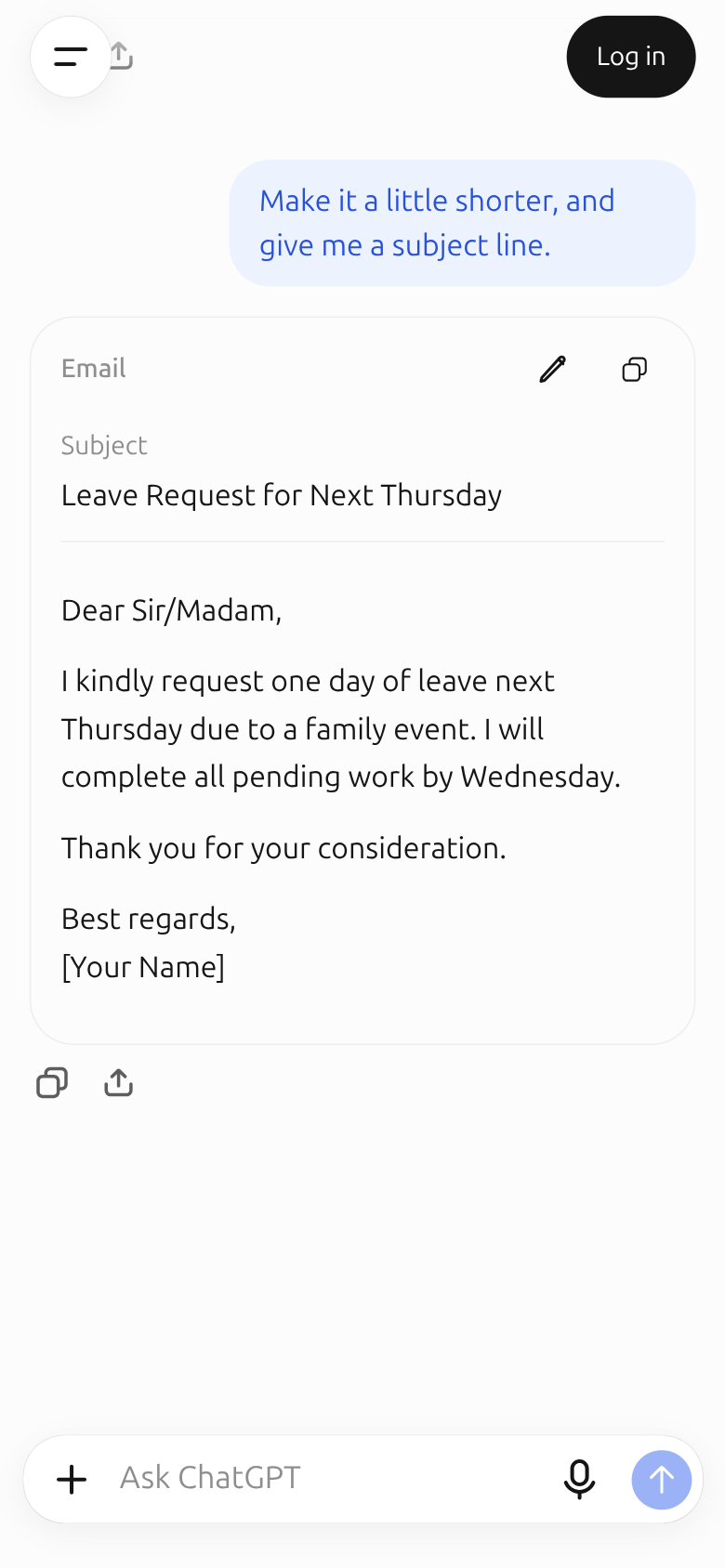
- 1The new, shorter email
You can keep going: “make it a little warmer”, “write it in Bangla”, “start with a greeting”.
Step 6: Copy and send
The copy button under the answer copies the whole text. Then paste it into Gmail or your office email.
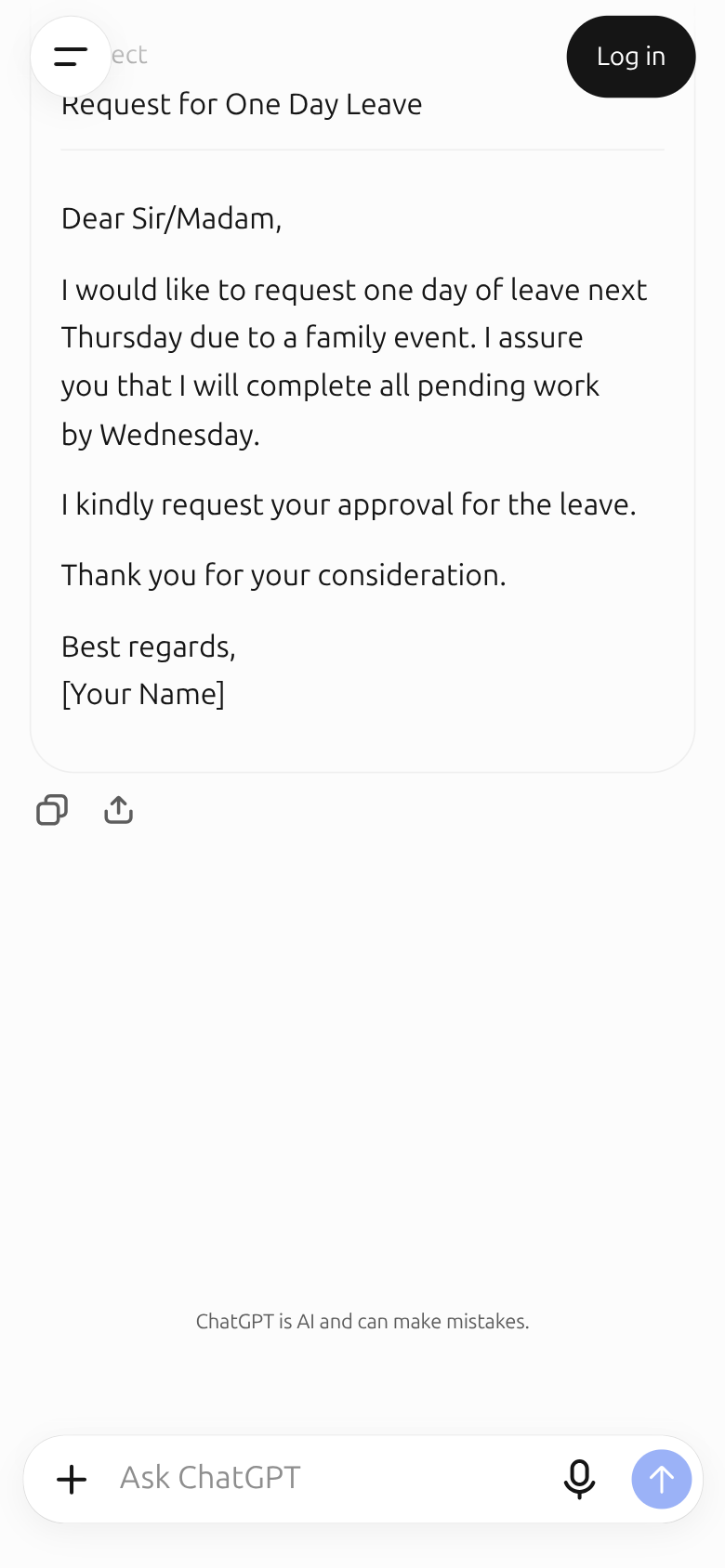
- 1Copy button
Read it once yourself before sending: are the names, the date and the day right? Writing the real date instead of “next Thursday” leaves less room for confusion.
Sources
- OpenAI Help Center, Data controls in ChatGPT: how to turn off “Improve the model for everyone” when signed out.
- OpenAI, Start using ChatGPT instantly (April 2024): the announcement of ChatGPT without an account. OpenAI marks the post as outdated; the screenshots show the current page.
Screenshots and steps checked: . AI answers can be wrong. For anything that matters, such as money, health, law or exams, always check against the original source or an expert. Never give any AI your password, PIN, national ID or bank details.